AudioUtils
Convert audio in your browser, 77 tools, nothing uploads
Entertainment
#Audio#Utilities
Product Description
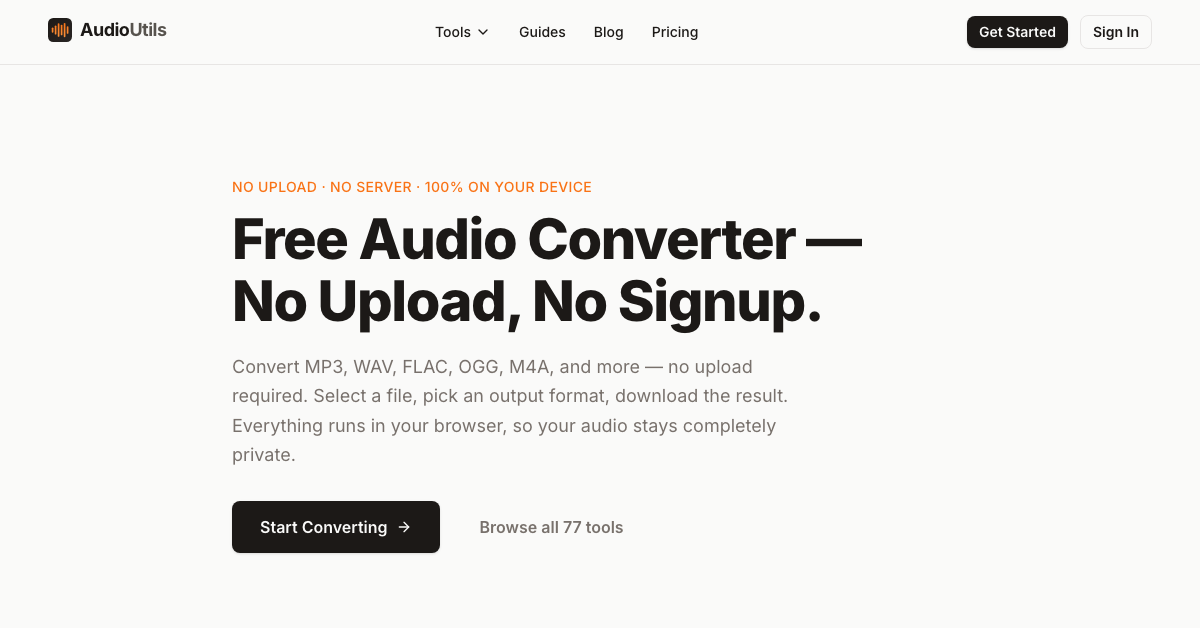
AudioUtils converts audio formats entirely inside your browser. Pick a file, choose an output format, download the result. The file is never uploaded, because the conversion runs on your own machine rather than on a server.
Under the hood it is FFmpeg compiled to WebAssembly, so there is nothing to install and no plugin to enable.
Features
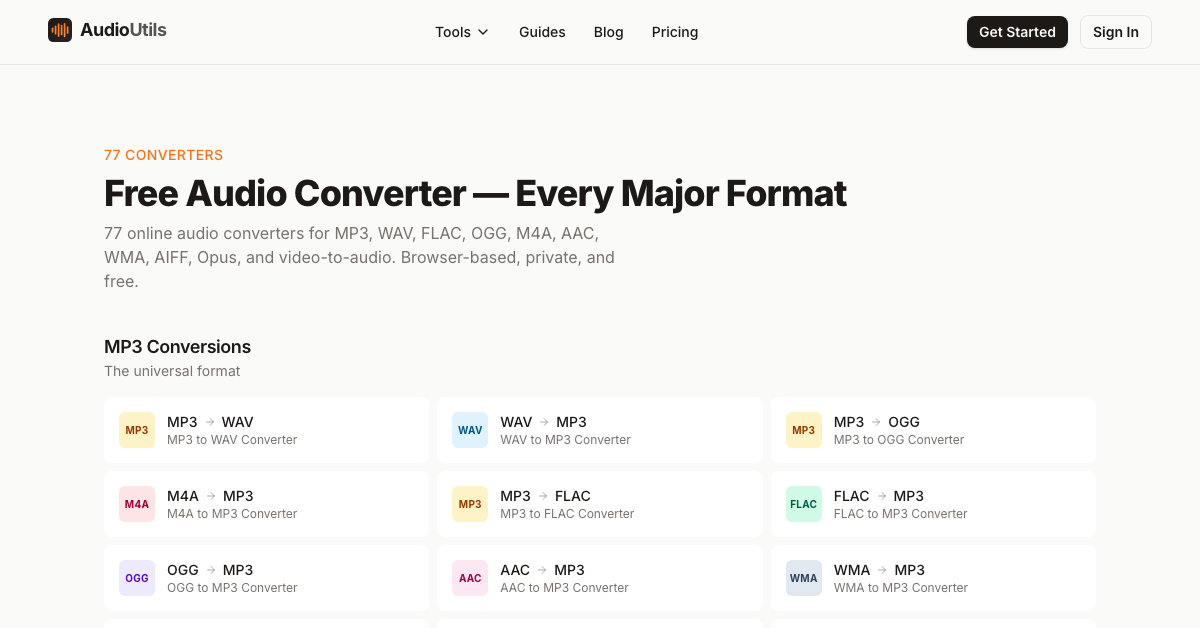
- Seventy-seven converters across MP3, WAV, FLAC, OGG, M4A, AAC, WMA, AIFF and Opus
- A second group extracts audio out of video: MP4, MOV, MKV, AVI, WebM and more into MP3, WAV, M4A or FLAC
- A dedicated MP3 to M4R converter for iPhone ringtones
- Nothing uploads: files stay on your own device
- No email gate and no signup wall at any point
- Works on Mac, Windows, iPhone, Android and Linux in any modern browser
Use Cases
- Turning a voice memo or interview into MP3 before sending it on
- Pulling the audio track out of a video file
- Getting a lossless WAV to FLAC conversion without installing anything
- Making an iPhone ringtone from an MP3
- Converting audio on a work machine where you cannot install software