
ConvertPDF
Every PDF task, one calm place, now inside ChatGPT
Product Description
Every PDF task, one calm place, now inside ChatGPT
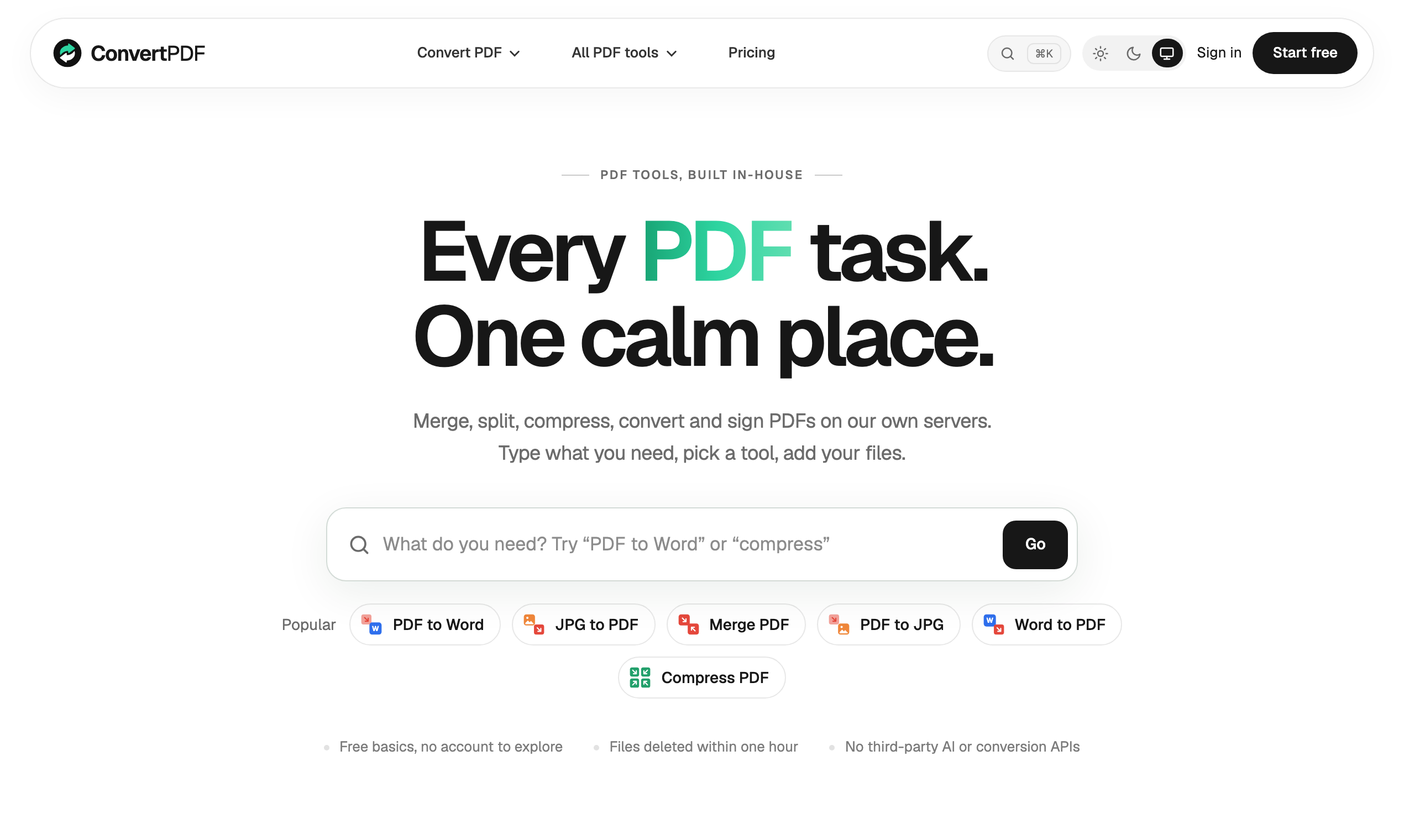
ConvertPDF is a free PDF toolkit with 24 tools for conversion, editing, OCR, signing, and page organization. It works on the web, inside ChatGPT and Claude via MCP, and through a REST API, with EU-based processing and one-hour file deletion.
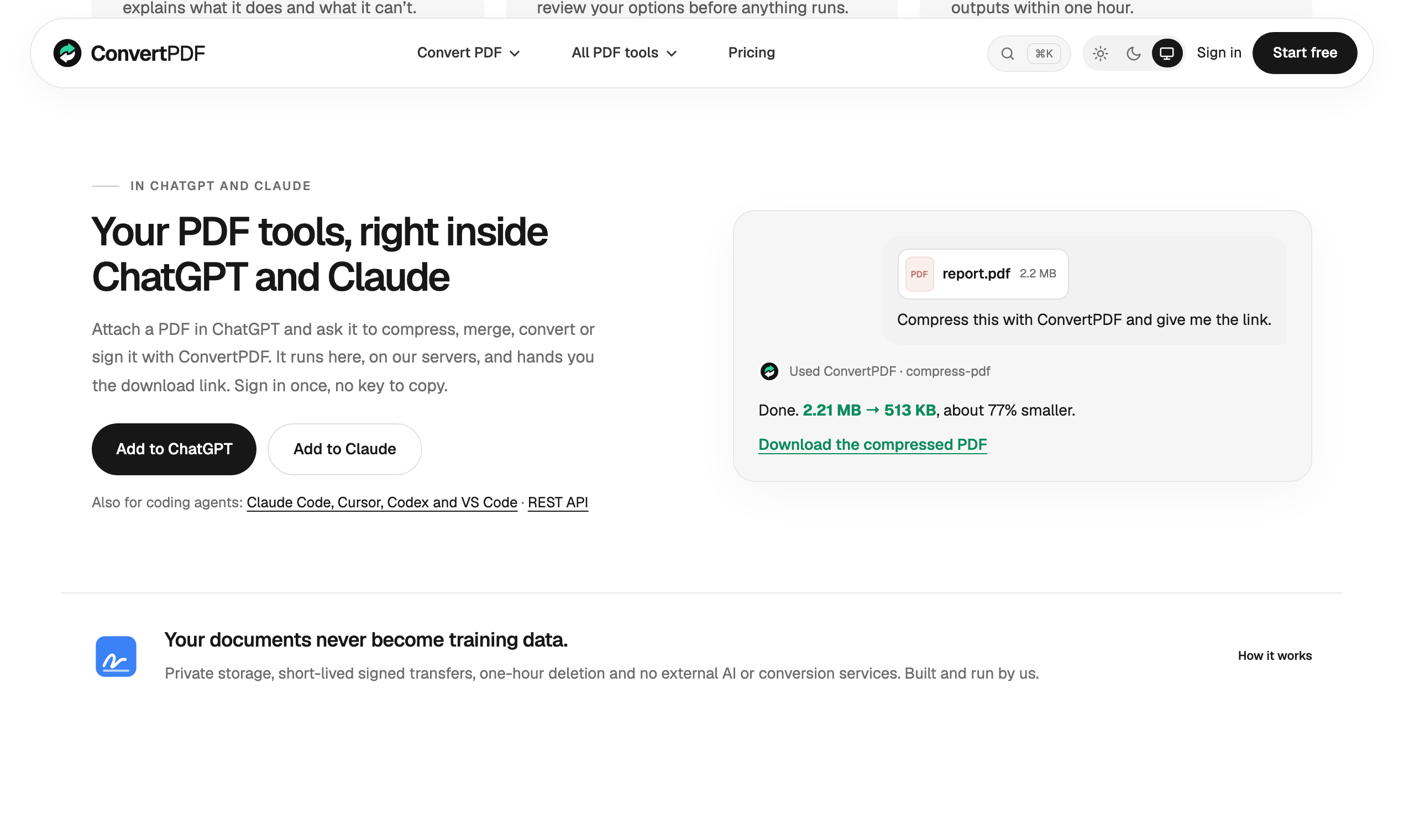
ConvertPDF brings a broad set ofPDF tools, document conversion options, and developer access into one streamlined workspace. It is designed for people who need to handle everyday PDF tasks without jumping between multiple services, and it also extends those same capabilities intoChatGPT,Claude, and aREST APIfor more technical workflows.
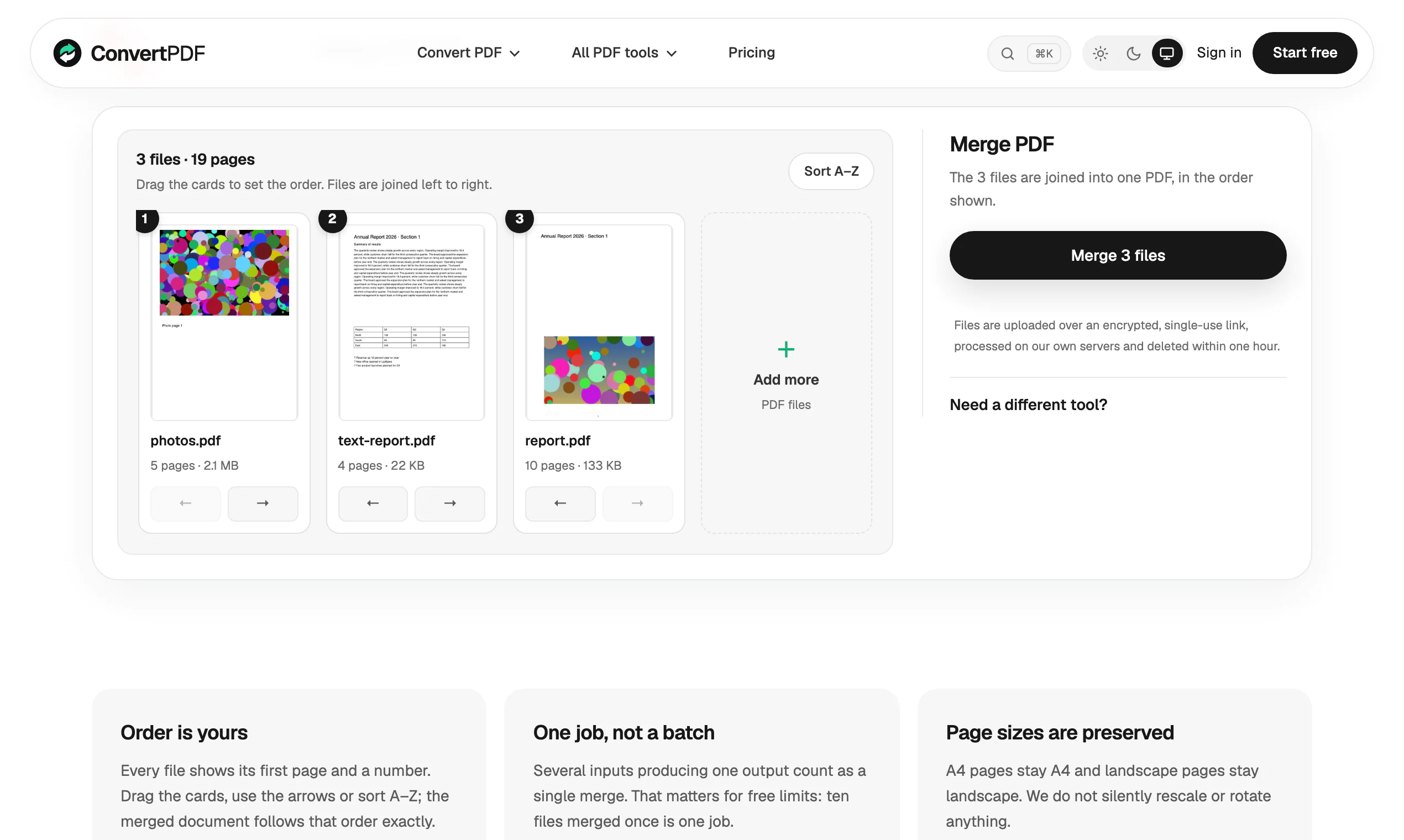
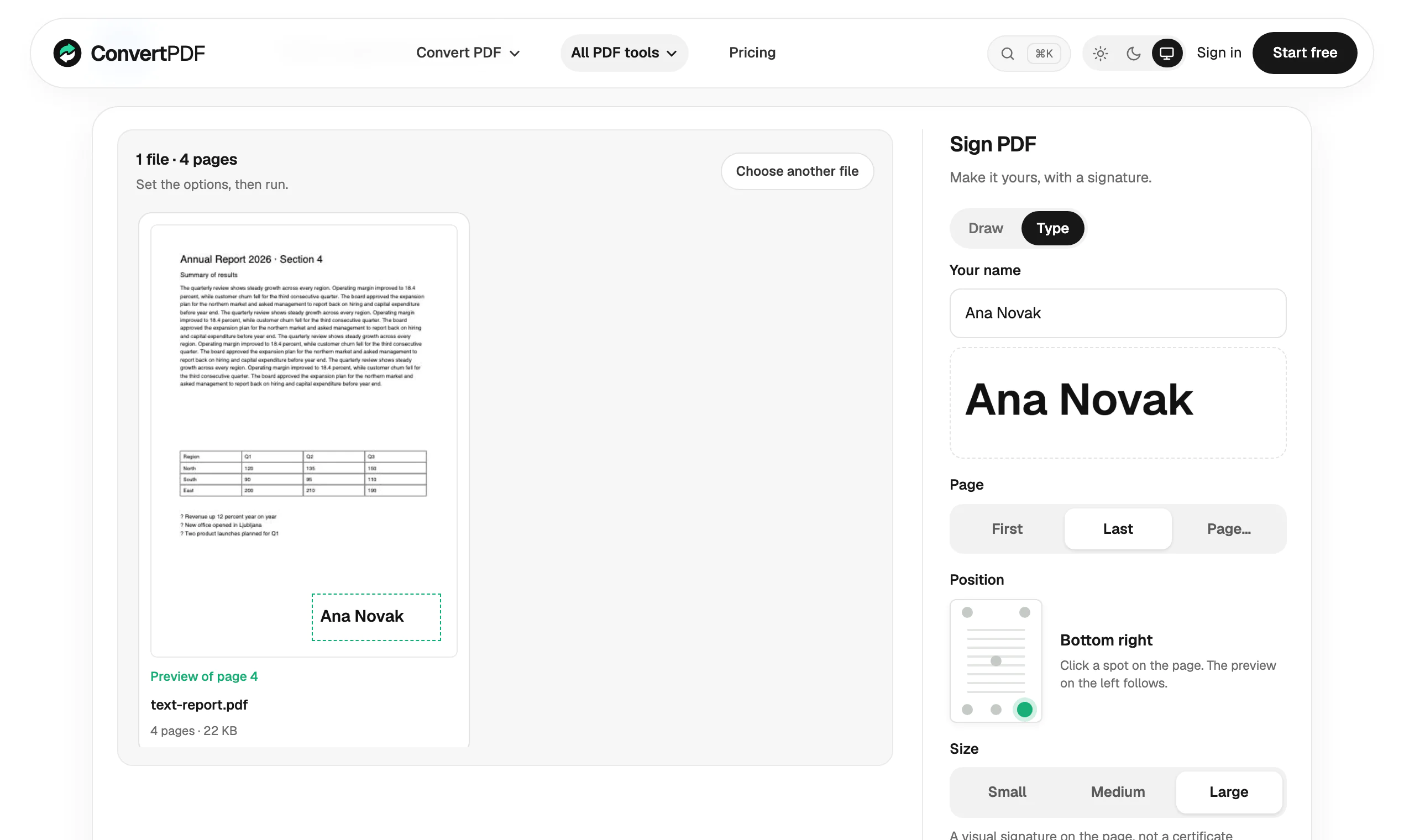
Whether you are merging files, converting formats, adding page numbers, or preparing documents for sharing, the product keeps those tasks in one place. For page-based actions, it also showsvisual page previews, making it easier to confirm what you are reordering, rotating, signing, or combining before you download the result.
Key Features
- Access 24 PDF tools in one web app
- Merge, split, compress, organize, and rotate PDFs
- Convert between PDF and common formats including Word, Excel, PowerPoint, JPG, PNG, and text
- Add page numbers, watermarks, signatures, protection, and unlocking
- Use OCR and create PDF/A files
- Preview pages visually for tasks that involve page-level changes
- Connect through an MCP server inside ChatGPT and Claude
- Use the same functionality through a REST API
Ideal For
- Office users who need everyday PDF conversion and editing
- Developers who need PDF tools through a REST API
- ChatGPT users who want PDF workflows inside their AI workspace
- Teams who prefer EU-based document processing
- Users who need visual previews before reordering or signing pages
Use Cases
- Office users who need everyday PDF conversion and editing
- Developers who need PDF tools through a REST API
- ChatGPT users who want PDF workflows inside their AI workspace
- Teams who prefer EU-based document processing
- Users who need visual previews before reordering or signing pages