Habit Pocket
Checkmarks tell you what you did — not why it worked.
Product Description
Habit Pocket is a habit tracker for people who want to understand their days, not just tick boxes.
For a long time I had a problem with every habit app I tried. They all worked the same way: did you do the thing, yes or no. But that never told me anything useful. Marking "Sleep 8h" as done or not done is almost meaningless. What I actually wanted to know was the real detail behind it, like what time I went to bed, what time I woke up, and how I felt the next day. A single checkmark just hides all of that.
So a couple of years ago I stopped fighting the apps and started tracking everything in a spreadsheet instead. Not only yes/no habits, but numbers and times too. My wake-up and wind-down time, steps, calories, a small energy score. It worked really well, and I used it almost every day. The only problem was that a spreadsheet is painful on the phone and easy to forget when you are not at your laptop. So a few months ago I finally turned the whole idea into a real app, and that became Habit Pocket.
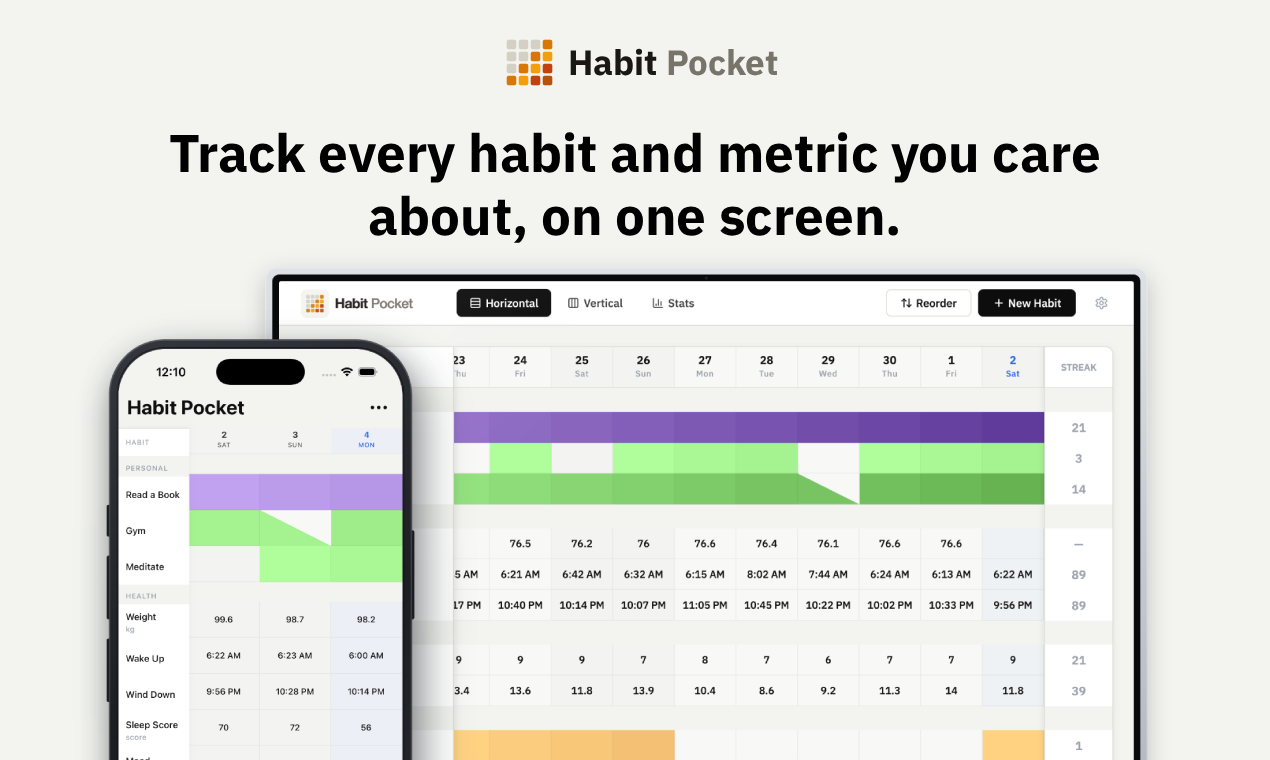
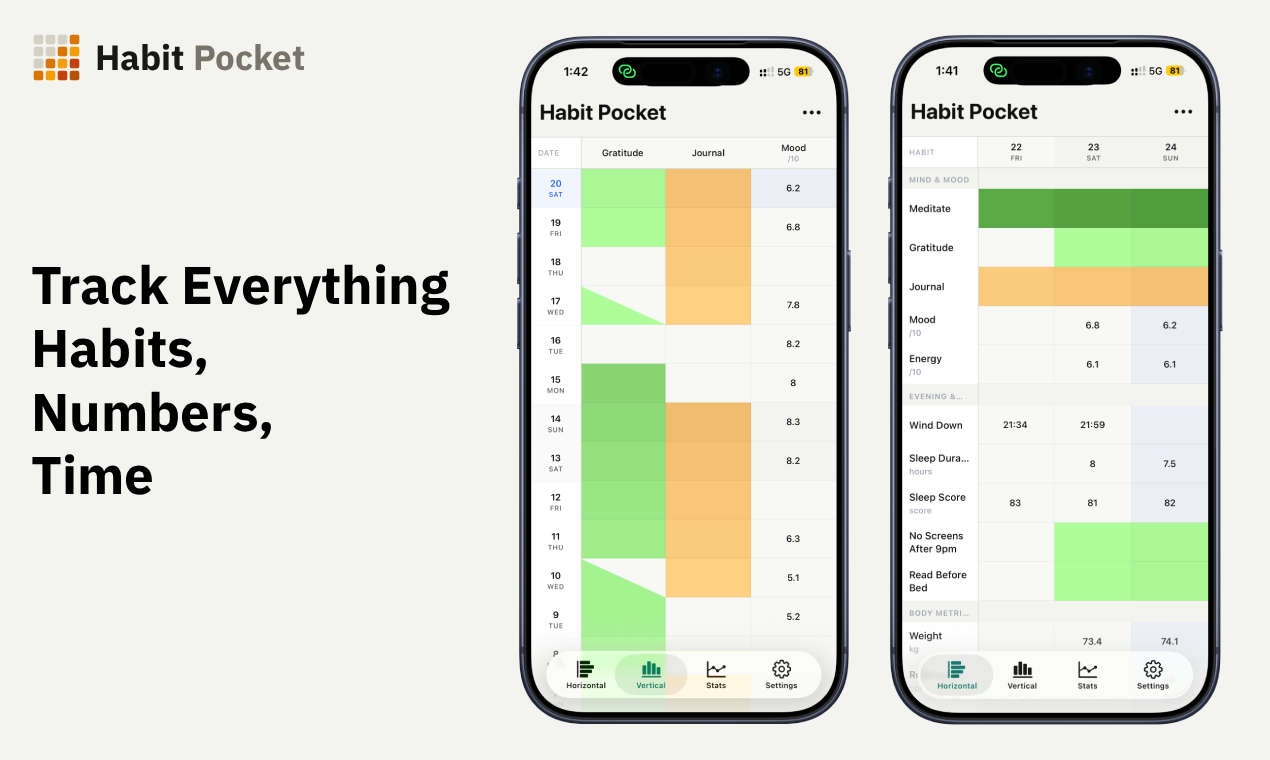
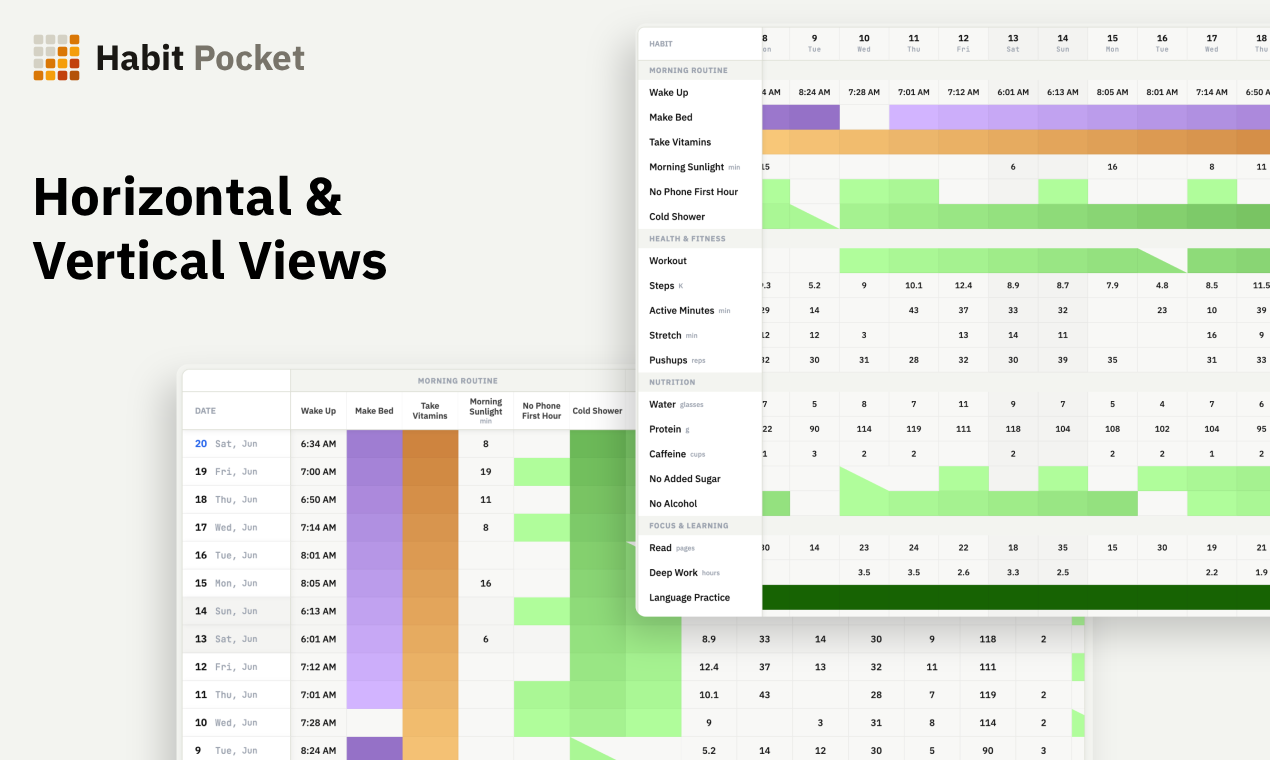
It keeps the same spreadsheet feeling. There is one grid where rows are your habits and columns are your days, and you just tap a cell to fill in your day. But your habits can be different types now. Yes/No for the classic ones, with a skip that pauses your streak instead of breaking it. Numbers, like steps or weight, with your own units and targets. Times of day, a real clock time like 07:15, instead of pretending a wake-up is just a number. And select lists, where you make your own options and pick one or several per day, for example an "Activity" habit with Cycling, Hiking or a morning walk.
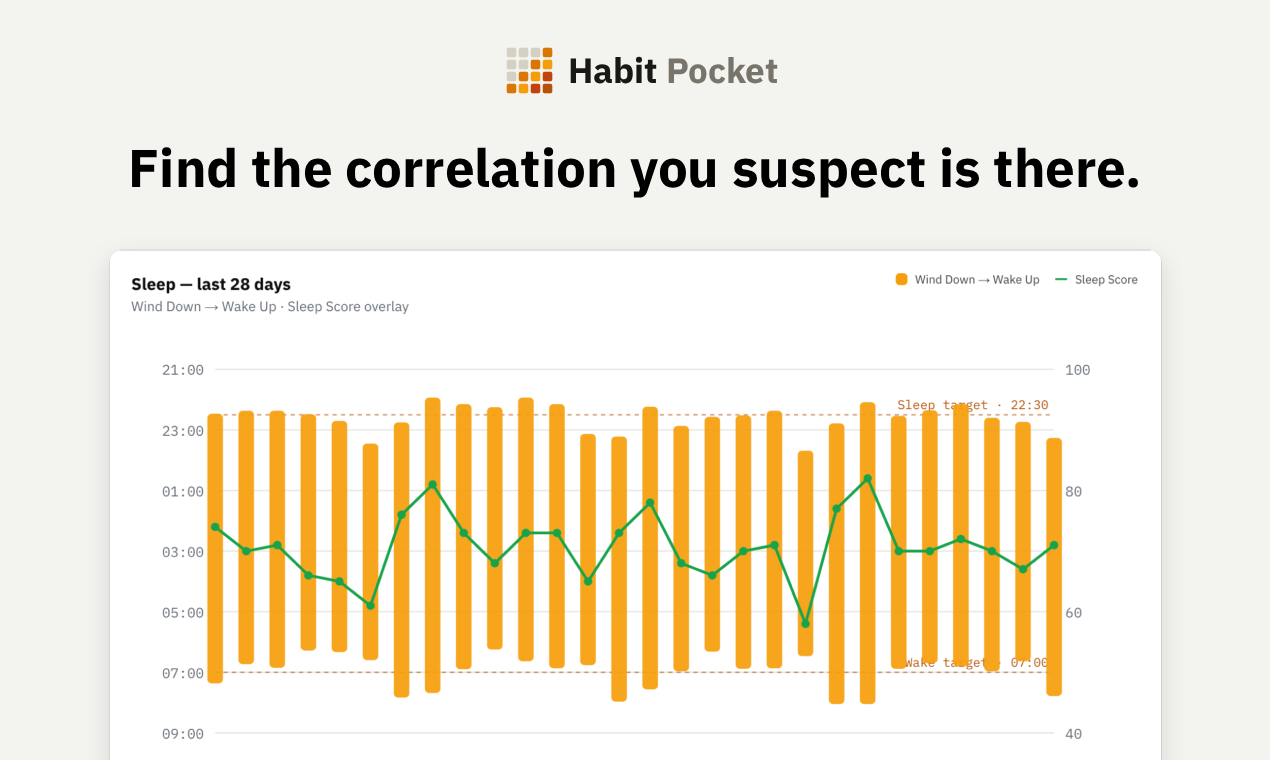
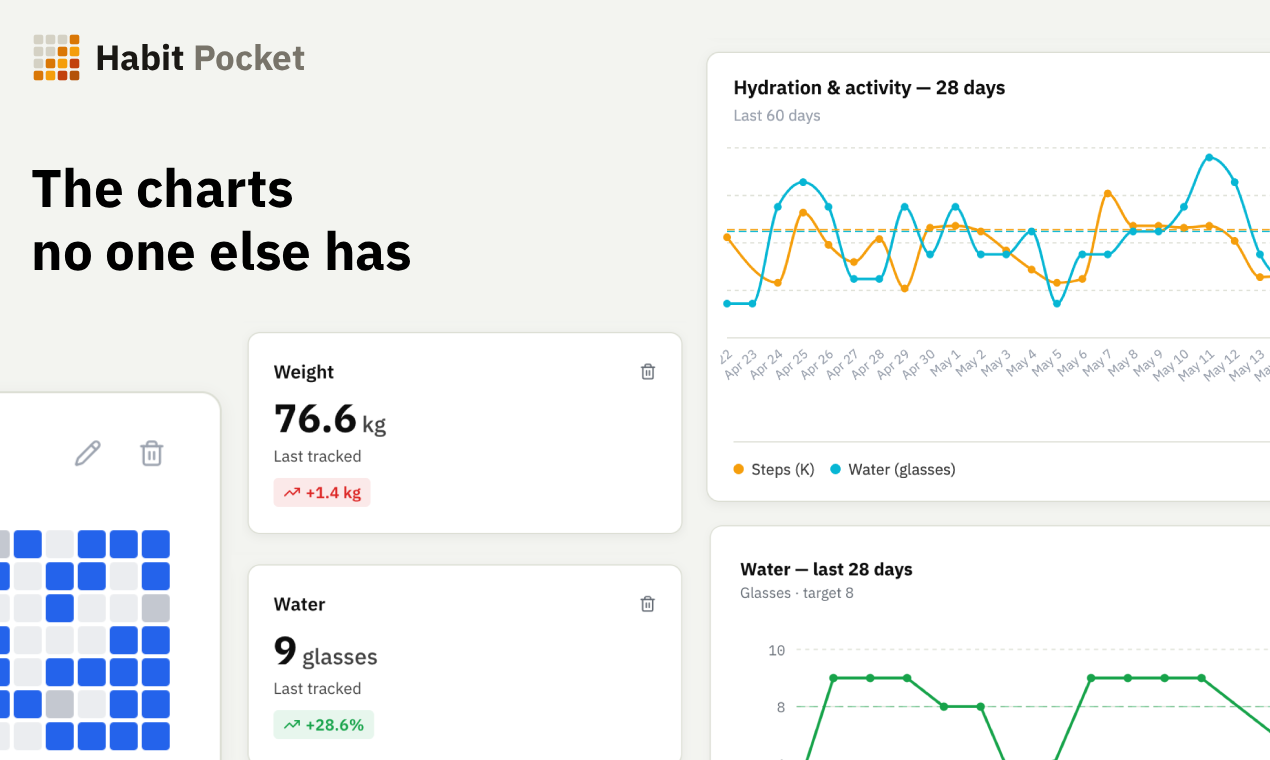
There are also two views of the grid: one with habits as rows to see a whole month at once, and one with dates as rows for quickly filling in a single day. And once you have some data, you can put any habit next to any other on a chart and look for correlations. Does my sleep score follow my bedtime? Does my mood move with my steps? It is how you finally answer questions like "why am I dead by 3pm?".
A few things are on purpose. No reminder notifications, because it is meant for tracking and not for nagging you. Your data stays private, never shared or sold, with no ads. It works on web and iPhone, syncs between them, and it is free for up to 5 habits.