
Kontext AI
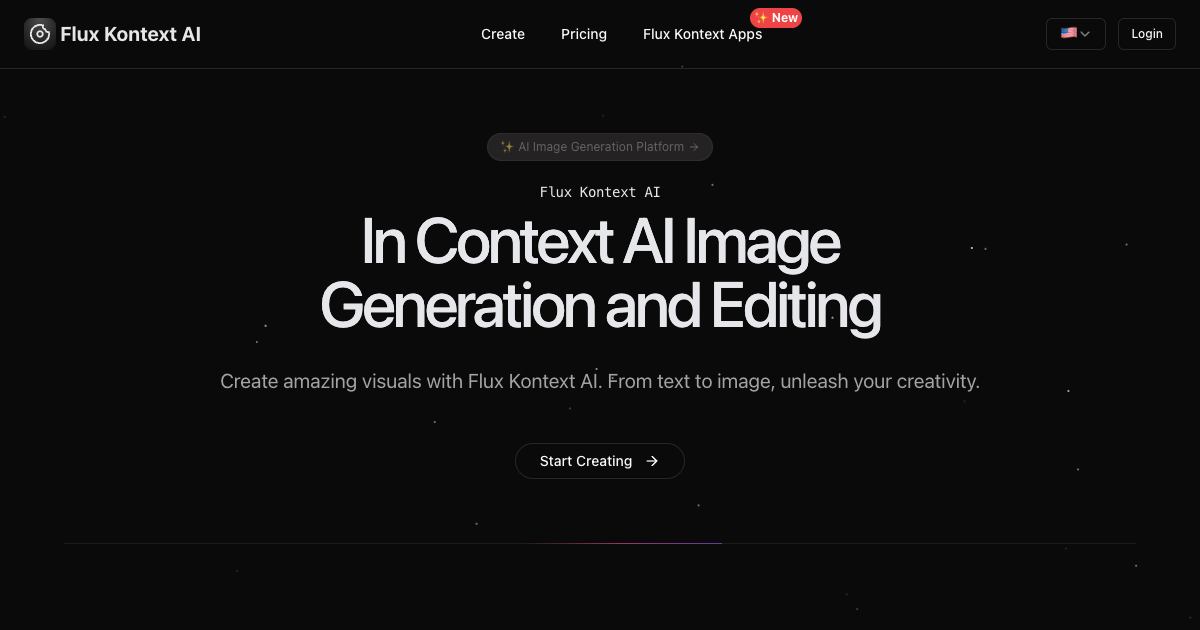
In-context AI image generation and editing
Artificial Intelligence
#SaaS#AI#ImageGeneration
Product Description
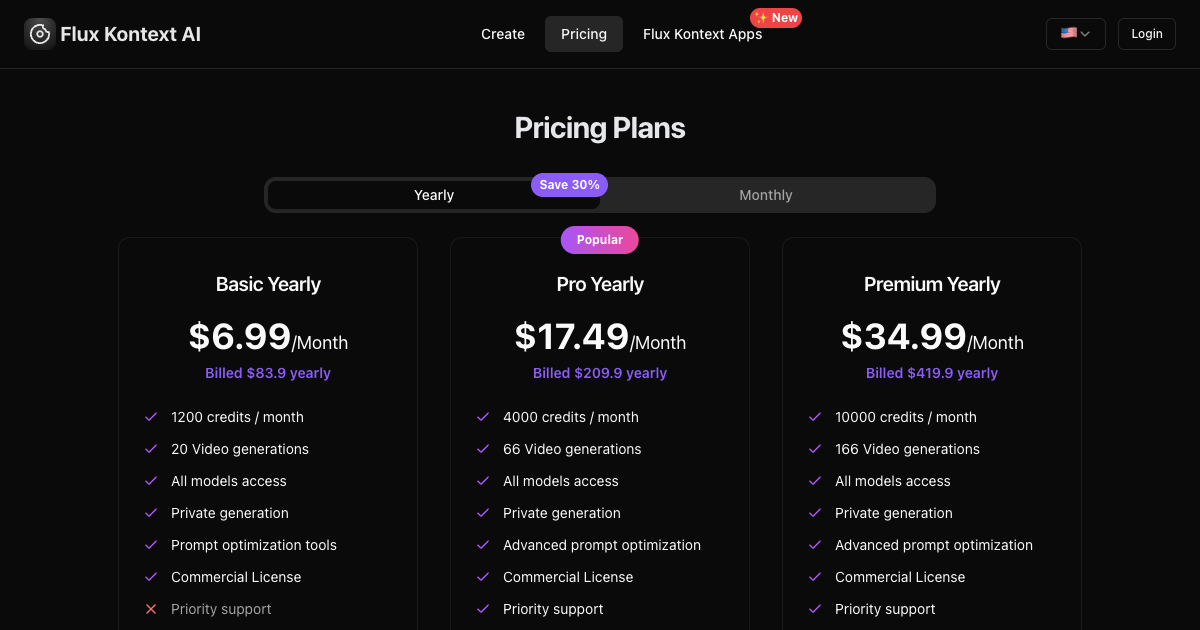
Flux Kontext AI offers advanced image generation and editing with character consistency, local precision editing, and style reference capabilities. Choose between Pro and Max models for fast iterative editing or maximum performance.
Features
- 🧍
- Character Consistency
- Flux Kontext preserves character identities, styles, and features across different scenes and edits—keeping your characters instantly recognizable throughout creative projects.
- ✂️
- Local Editing Precision
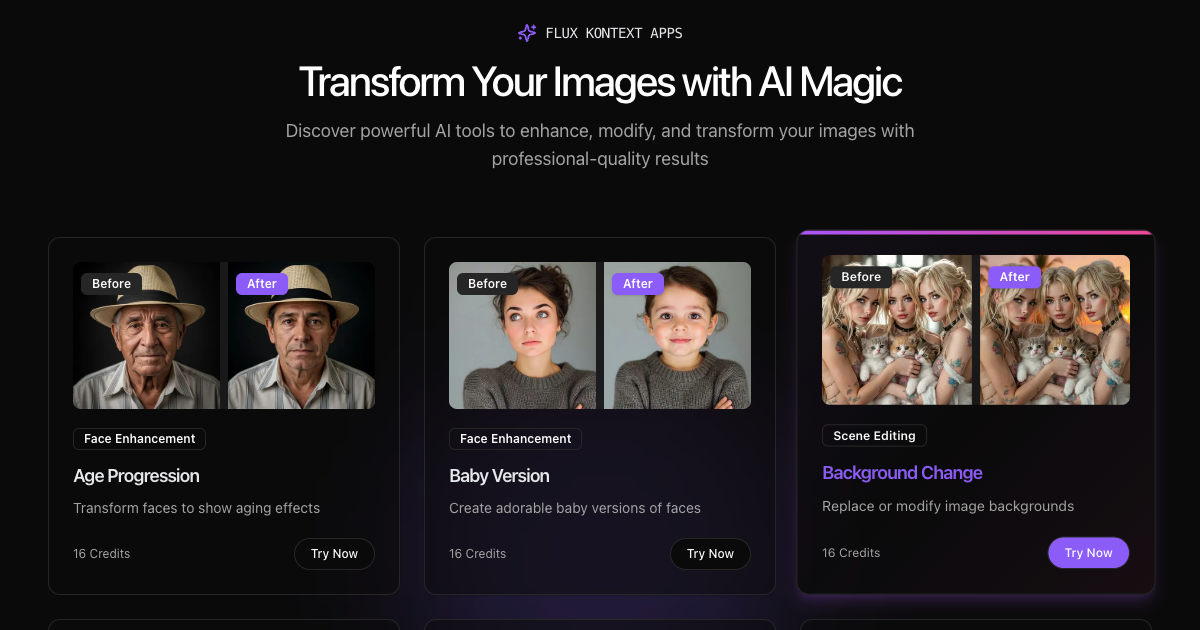
- Target specific parts of an image—like changing color, removing objects, or swapping backgrounds—without touching the rest. This gives you surgical-level control while keeping overall context.
- 🎨
- Style Reference
- Capture style cues from a reference image and apply them accurately to new scenes. Achieve visual coherence and uniform aesthetic across generations.
- ⚡
- Interactive Speed Editing
- Get rapid, low‑latency feedback. Flux Kontext supports fluid, step‑by‑step creative workflows enabled by multimodal (text + image) understanding.
- 🔍
- Advanced AI Models
- Choose based on your needs:
- 🔄
- True In‑Context Generation
- Unlike typical text‑to‑image tools, Flux Kontext processes both text + image inputs. It enables seamless, context-aware generation and editing in a single unified model.
Use Cases
- 🎨 1. In‑Context Image
- Generation
- Generate entirely new visuals from text or by combining text + image prompts—perfect for prototyping concepts or generating campaign visuals quickly .
- 🛠️ 2.
- Local Image Editing
- Make precise changes—like changing background, color, text, or removing objects—while keeping the rest intact .
- 👩🎨 3.
- Character & Style Consistency
- Maintain the same character or style across multiple edits/scenes, great for storytelling, marketing, or game asset consistency ().
- ⚡ 4. Fast,
- Iterative Editing
- Enjoy super-fast (6–12 s) editing and generation, enabling live iteration and refinement workflows .
- 📦 5.
- Batch / Multi‑Image Editing
- Apply the same edits (like style transfer or color correction) across multiple images simultaneously