
OpenScreenShot
Free, open-source Chrome extension for full-page screenshots
Productivity
#Productivity#Extensions#Privacy#OpenSource
Product Description
I built OpenScreenShot because every screenshot extension I tried eventually asked me to sign up, watch an ad, or trust that my captures weren't being uploaded somewhere. For a tool that literally sees everything on your screen, that never sat right with me.
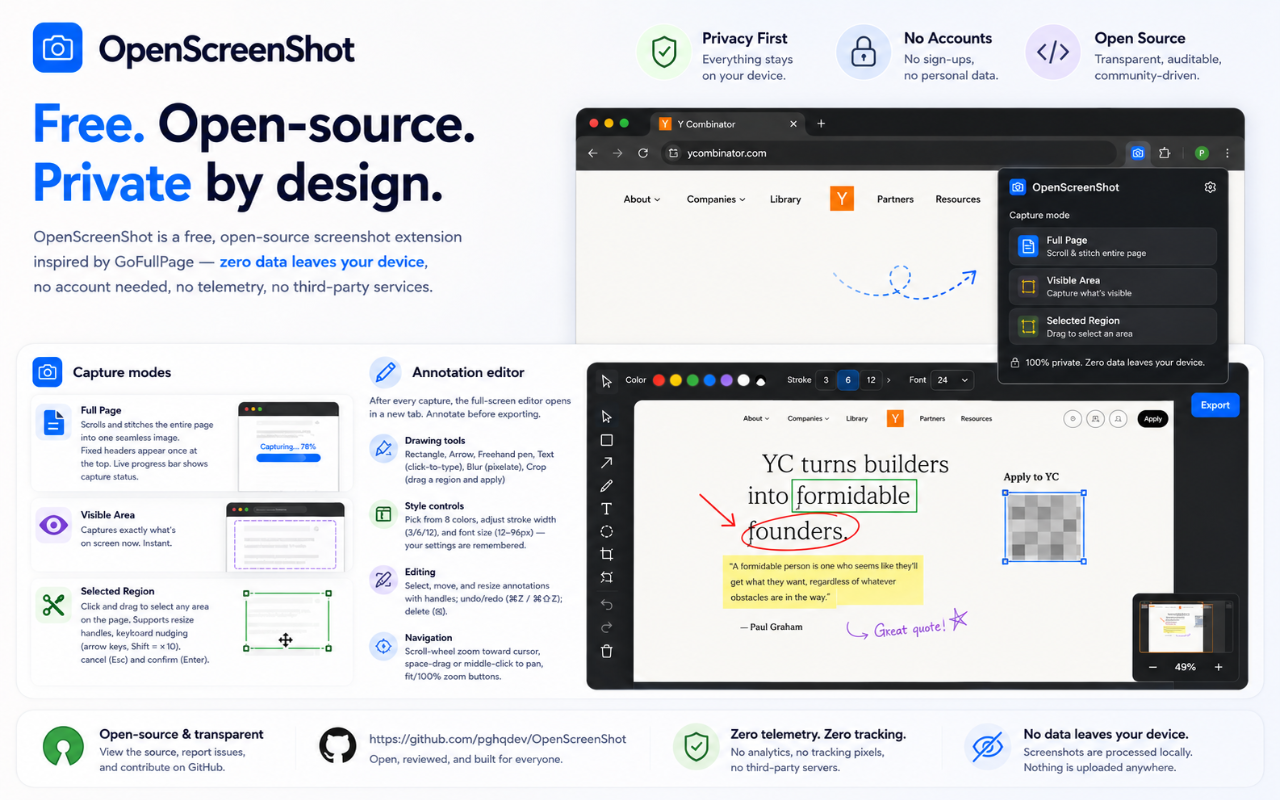
The important part: zero data leaves your device. No account, no telemetry, no third-party servers. It's fully open source (MIT) — you can read every line, and contributions are welcome.
It's free, and it stays free.
Would genuinely love your feedback — what's the one feature that would make this your default screenshot tool?
Features
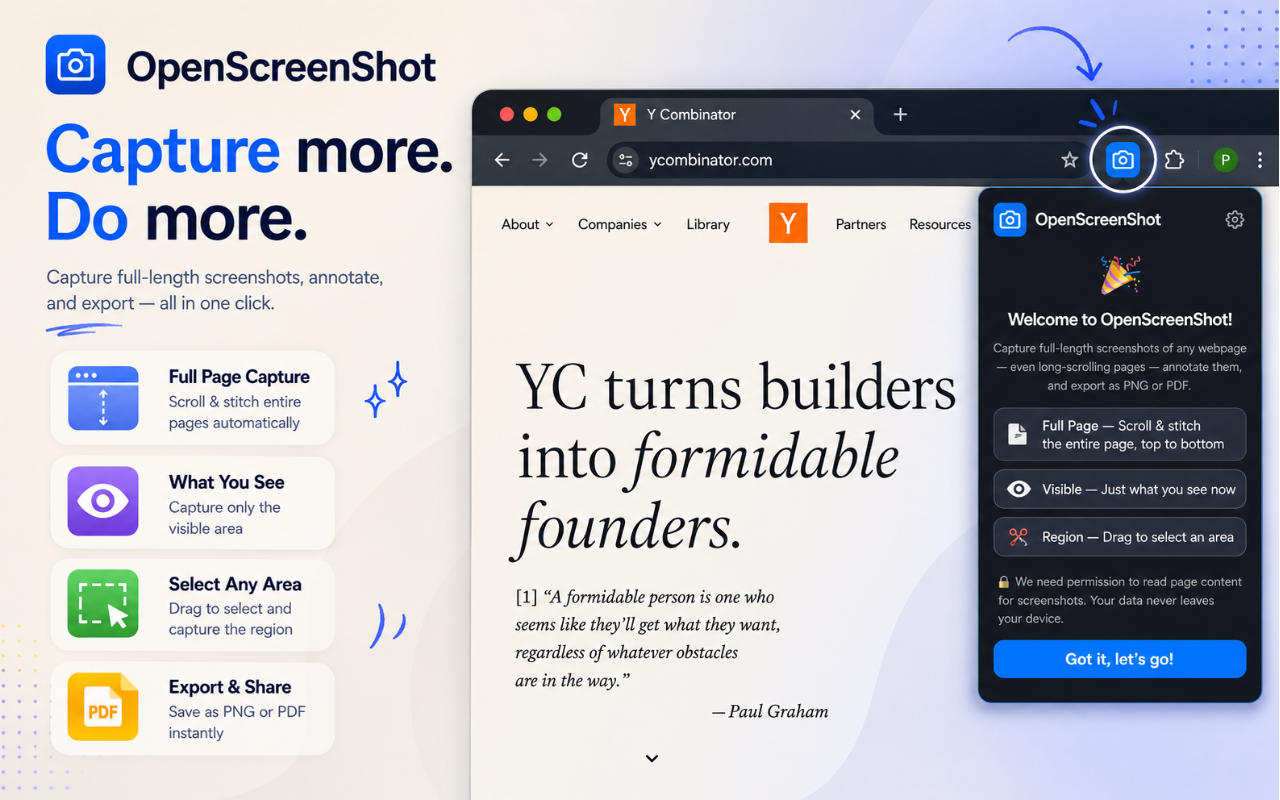
- 📄 Full-page capture — scrolls and stitches long pages top to bottom, including apps that scroll an inner panel (Gmail, Notion, chat apps)
- 👁 Visible area and ✂️ region capture
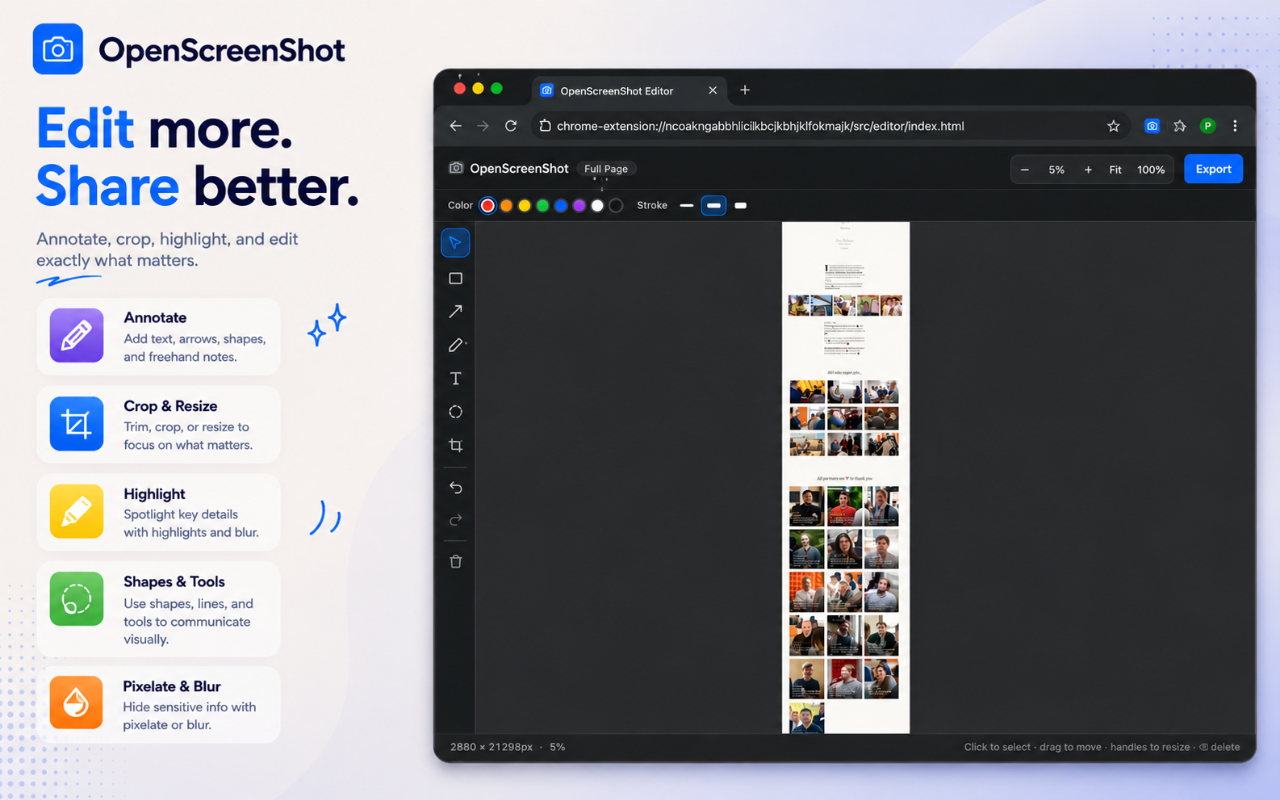
- ✏️ Annotate — arrows, text, shapes, crop — right after you capture
- 📤 Export as PNG, JPEG, WebP, or PDF, or copy straight to clipboard (Cmd/Ctrl+C)
Use Cases
- 🐛 Bug reporting & QA
- Capture exactly what went wrong and annotate it before sharing.
- Example:
- Capture an entire checkout flow, circle the broken button, blur customer information, attach to a Jira ticket.
- 🎨 Design reviews
- Perfect for designers and product teams reviewing UI changes.
- 📚 Documentation
- Create clean documentation for internal wikis or user guides.
- Example:
- Internal onboarding guides with screenshots of every step.
- 💼 Client communication
- Instead of describing problems in email:
- This reduces back-and-forth significantly.
- 🔍 Research & competitive analysis
- Save websites as visual references.
- Examples:
- Since it captures the entire page, you don't need multiple screenshots. Full-page capture is particularly useful for preserving a page's state for later comparison.
- 📝 Education & tutorials
- Teachers and content creators can:
- 🔒 Privacy-sensitive work
- One of its biggest differentiators.
- Because processing happens locally:
- never leave your machine during capture or editing.
- 📄 Compliance & record keeping
- Useful when you need evidence of what a webpage looked like.
- Examples:
- PDF export makes archiving straightforward.
- 📢 Marketing & social content
- Capture webpages and polish them before sharing.