
OpenSubs
Free AI subtitle generator that runs in your browser
Productivity
#Productivity#AI#Video
Product Description
What is OpenSubs?
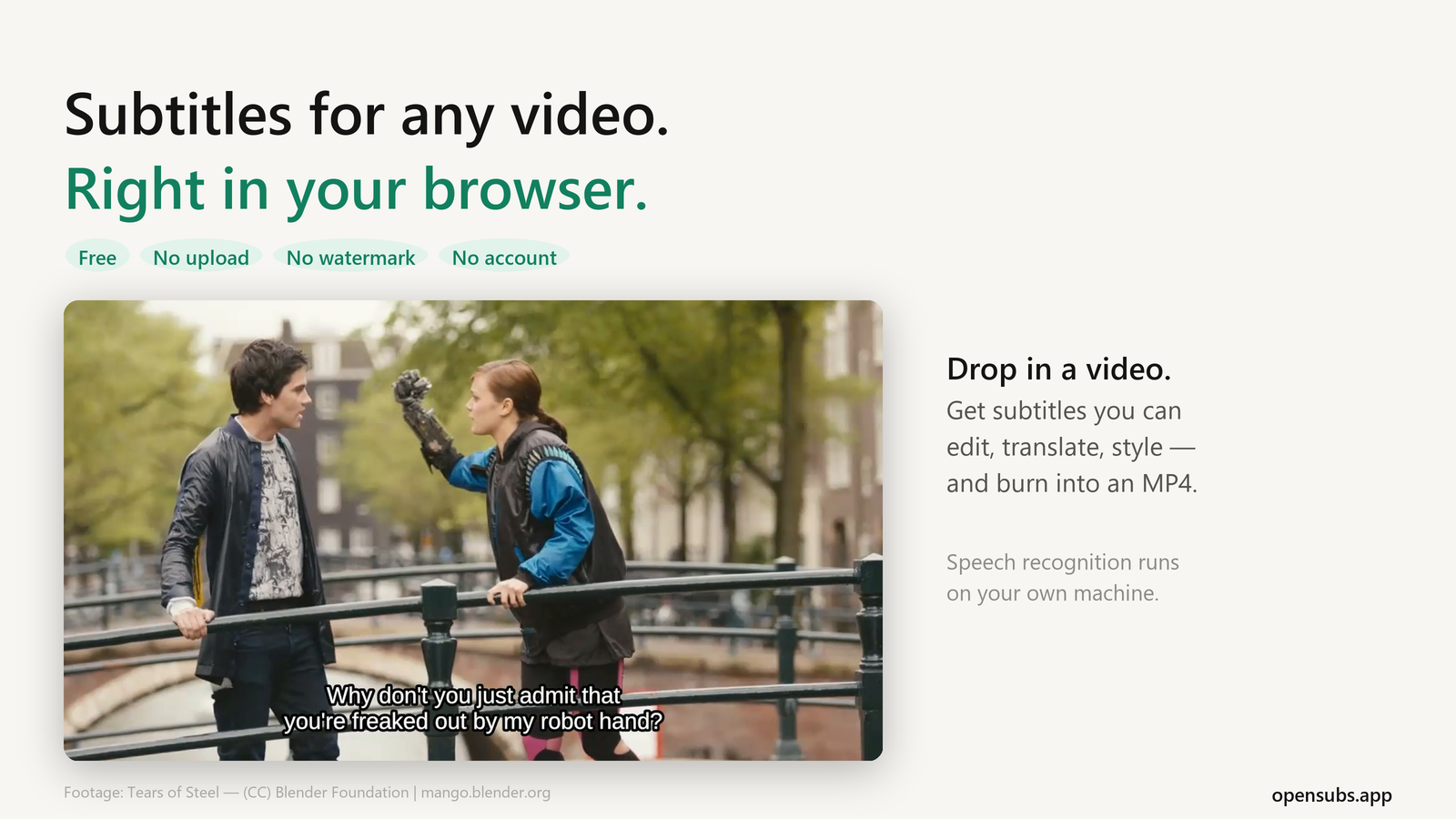
OpenSubs is a free subtitle generator that runs entirely in your browser. Drop in a video file and it transcribes the speech with Whisper on your own machine, then lets you edit, translate, style and export the subtitles. The video is never uploaded: there is no upload endpoint in the product.
Pricing
Free. No account, no watermark. The source code is published under AGPL-3.0: https://github.com/open-subs/opensubs
Features
- Features
- Local speech recognition. Whisper runs in the browser tab (WebGPU when available, otherwise WebAssembly). Pick a model from 40 MB to 250 MB; it downloads once and is cached.
- Automatic language detection. Or set the spoken language yourself.
- Edit every line. Fix the text of any subtitle before you export.
- Translate subtitles into 20 languages. In Chrome this runs on your device for free, using the browser's built-in translation. Timings stay unchanged.
- Caption styles. Choose a preset, add word-by-word highlighting, and preview it over your own footage.
- Export. Download .srt, .vtt or .ass, or an MP4 with the subtitles burned into the picture, ready for Instagram, TikTok or YouTube Shorts.
- Open an existing subtitle file. Import .srt or .vtt to translate it, restyle it or convert between formats, no video needed.
- Optional: your own API key. For a larger model or a weak device, send the audio to OpenAI, Groq or Google Gemini with your own key. This is off by default.
Use Cases
- Who is it for?
- Creators adding captions to short-form video
- Anyone subtitling recordings they don't want to upload: lectures, interviews, client calls, family videos
- Translators and editors who need a quick SRT/VTT conversion or translation