
Unblurry
Free AI blur remover for soft, shaky and old photos

Product Description
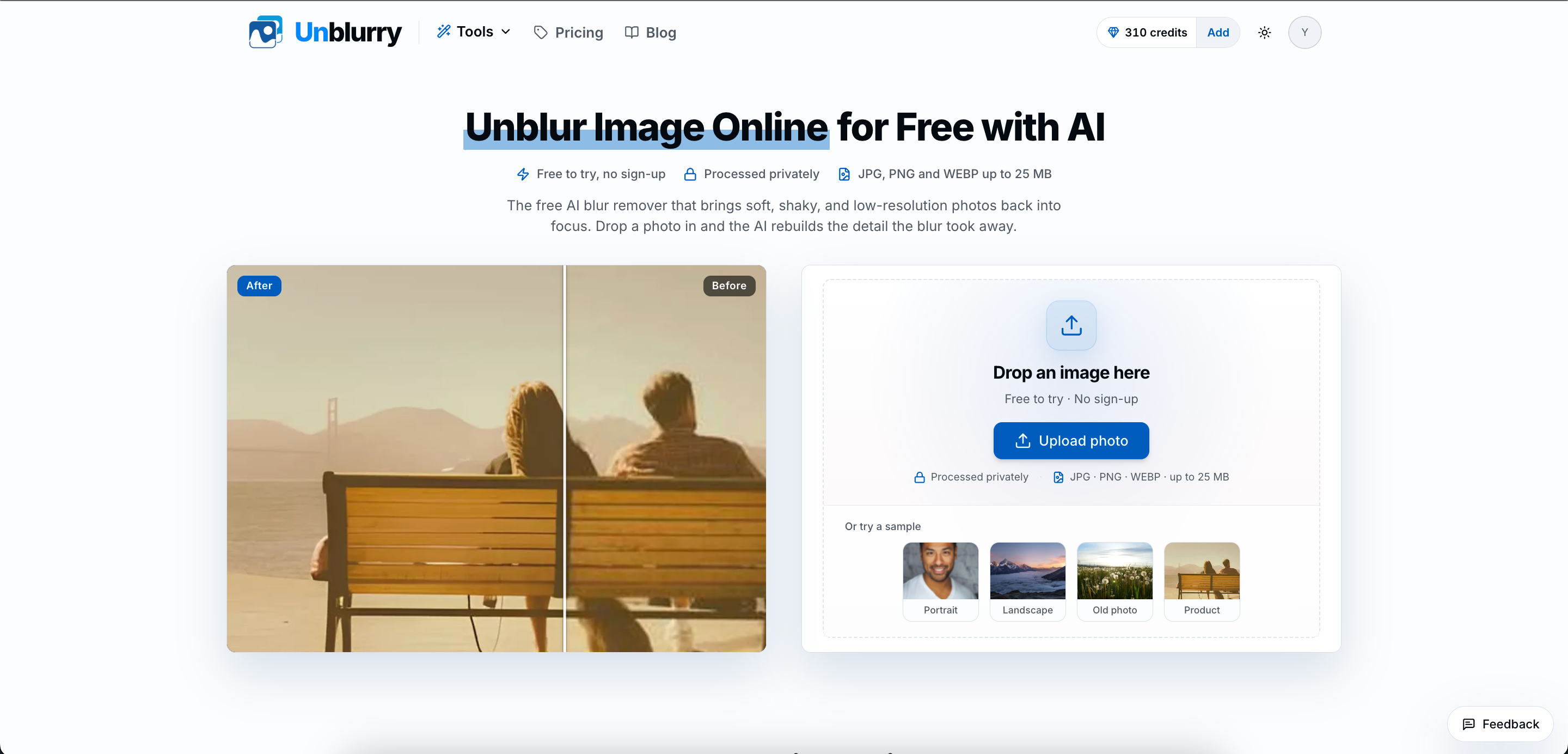
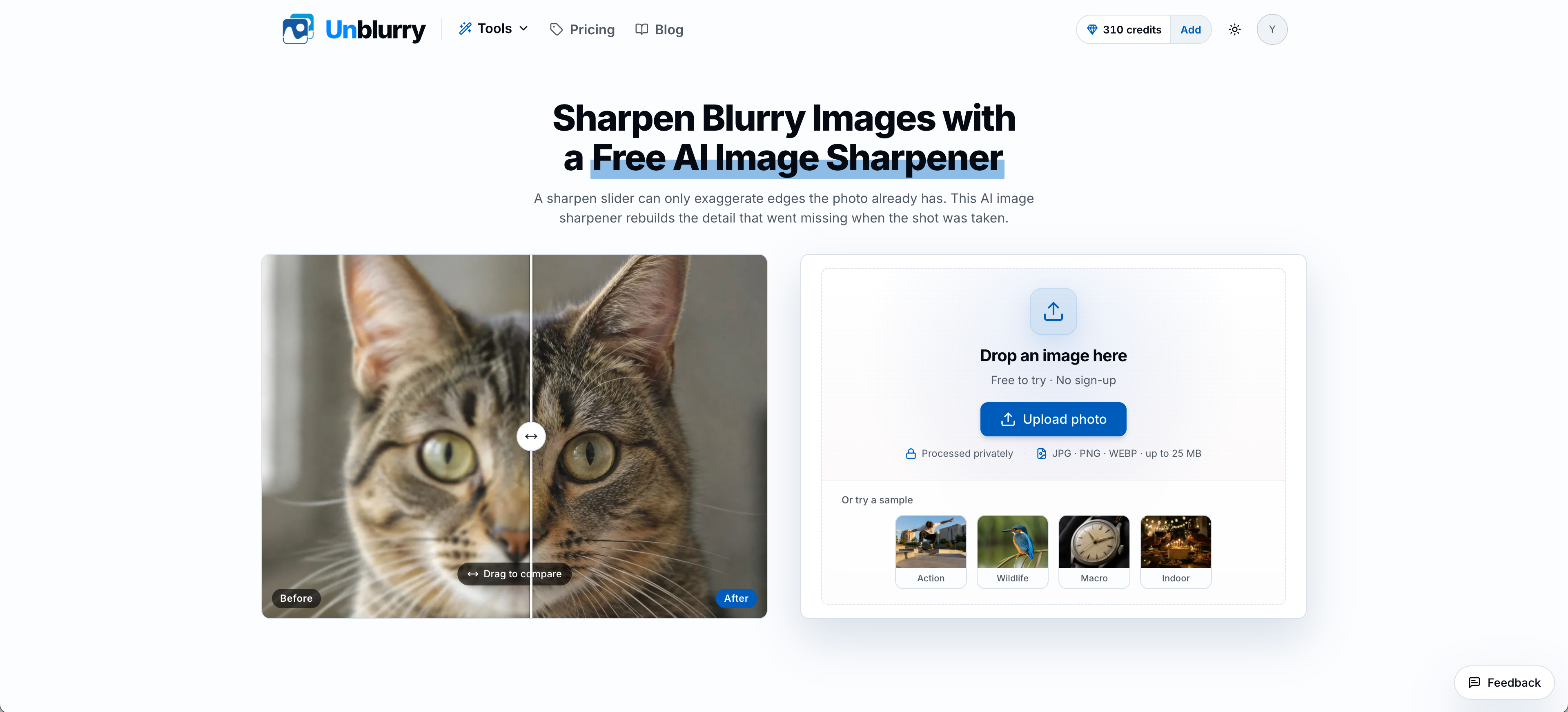
unblurry is a focused AI photo repair tool. Where most enhancers apply one generic filter, it ships four separate modes — Unblur, Sharpen, Old Photo Restoration and Denoise — each tuned for a different way a photo goes wrong. It rebuilds the detail blur took away instead of faking edge contrast.
Standard quality is free to try with no sign-up and carries a small watermark. Pro returns about 4 megapixels with about twice the detail and no watermark.
Pricing is one-time credit packs from $2.99, never a subscription. A free account comes with credits for one watermark-free Pro photo.
Honest limits, stated up front: it does not unblur text, documents or screenshots, does not process video, and handles one image at a time.
Features
- Unblur: fixes out-of-focus shots and camera shake
- Sharpen: recovers fine detail in soft studio portraits, down to brow hairs, lashes and hair strands
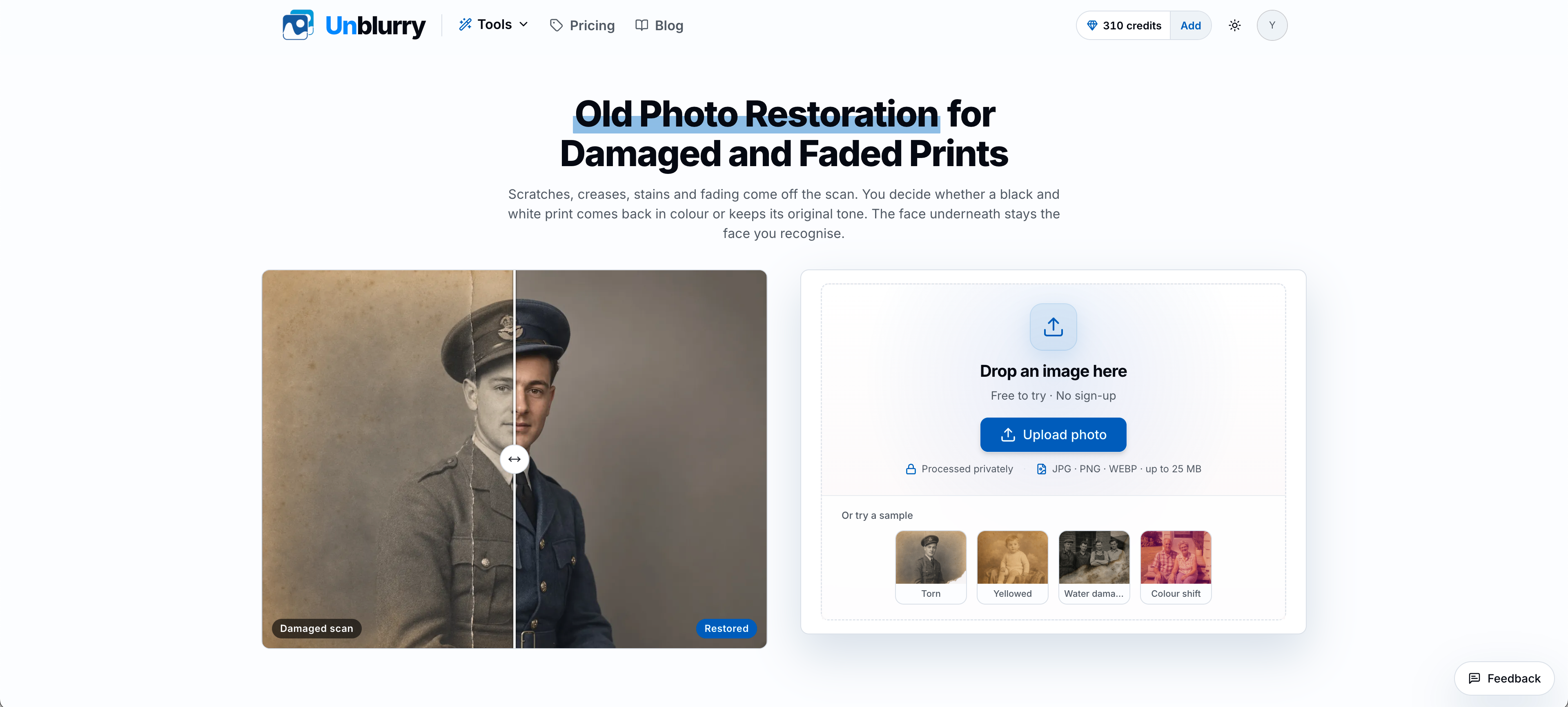
- Old Photo Restoration: removes scratches, creases, stains, torn corners and heavy fading while facial features stay unchanged
- Colour switch: bring a black-and-white print back in colour, or keep its original tone
- Denoise: removes grain and sensor noise while keeping real texture such as fabric weave and wood grain
- Two quality tiers per photo: Standard (free to try, watermarked) or Pro (about 4 megapixels, about twice the detail, no watermark)
- Before/after comparison slider
- JPG, PNG and WEBP up to 25 MB; download in the same format or as a lossless PNG
- 2 free tries with no sign-up, and failed generations refund their credits automatically
Use Cases
- Rescue a blurry phone photo worth keeping, from a shaky family snapshot to a soft portrait
- Restore old family prints: scan a creased, faded photo and bring it back in colour or its original tone
- Clean up soft product shots before they go live on an online store
- Save soft or shaky frames from a photo shoot
- Clean up grainy, noisy photos without flattening fabric or wood texture